
The robot that cleaned at night
Schedule a robot vacuum for the middle of the night and the machine either glides around the dark living room as though the lights were on, or it stumbles into the sofa and gets stuck under the bed. Which of those happens depends mostly on how it sees. That one design choice influences mapping, reliability, privacy and the price tier.
Robot vacuums use a handful of navigation methods, and the two that dominate the conversation are LiDAR and camera-based vision. Knowing how each one works lets you read the marketing with confidence.
How LiDAR navigation works
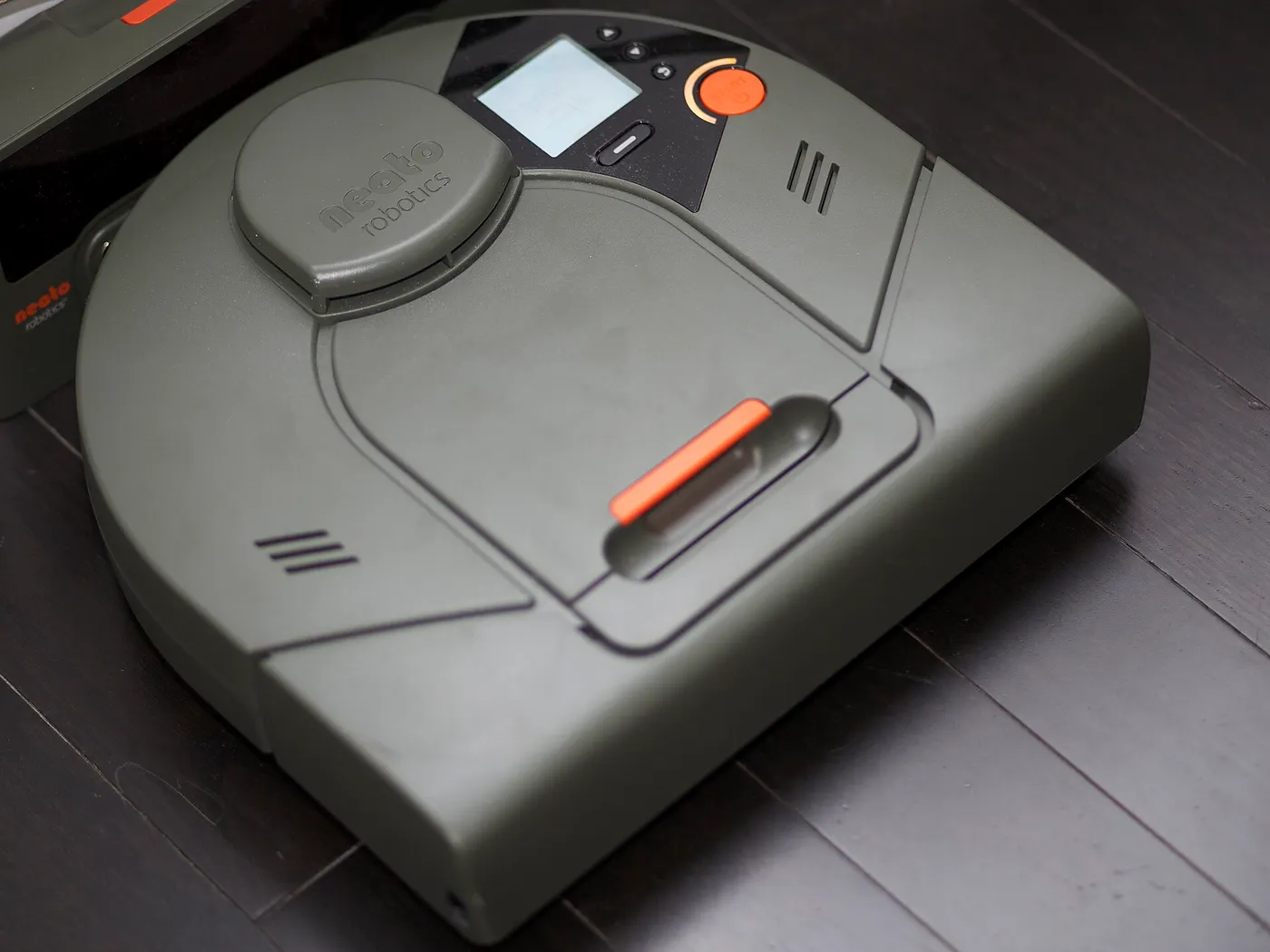
LiDAR stands for light detection and ranging. A small turret on top of the robot spins and sends out a laser beam, then measures how long the reflected light takes to return. From that timing it calculates the distance to walls and furniture at many angles, many times a second.
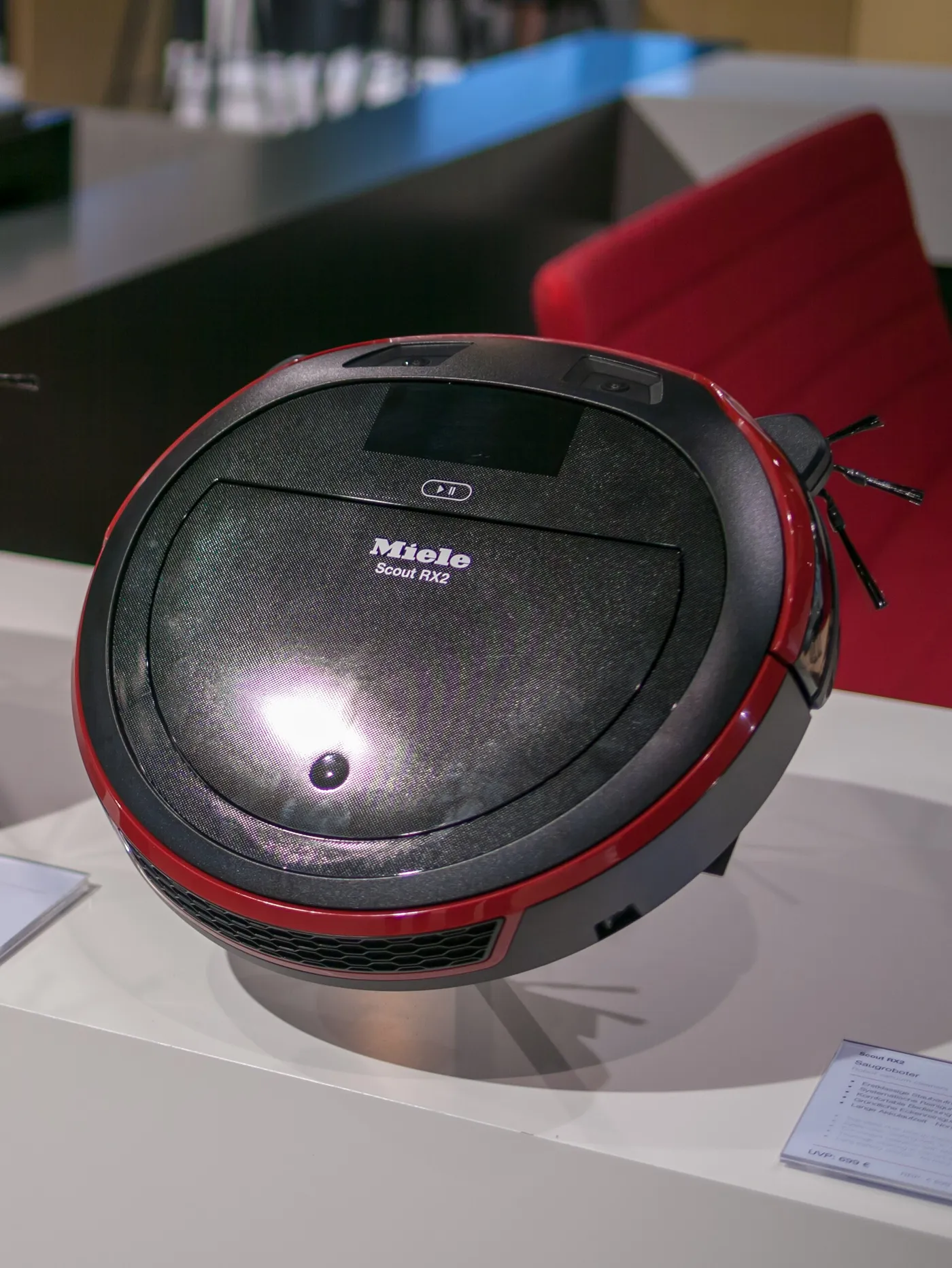
The result is a precise outline of the room at the height of the turret. The robot uses this outline to build a map, locate itself within it, and plan efficient rows. Because the sensor supplies its own light, the performance does not depend on room lighting, which is why LiDAR robots can clean in the dark.
The turret is a real physical part. It adds height to the robot, so a LiDAR model may not slide under very low furniture. It also has moving parts, although they are generally reliable.
How camera navigation works
A camera-based robot, often described as visual navigation or vSLAM, uses one or more cameras, usually facing upward or forward, to recognize landmarks in the room. It tracks features on the ceiling, walls and furniture to work out where it is and to build a map.
Some designs add an additional front camera for obstacle recognition, using software to identify things like cables, socks, pet waste and shoes. This is separate from the room-mapping method, and the two can be combined. Camera systems depend on light, so performance can drop in a dim room, and low-texture surfaces such as a blank ceiling give them little to track.
Side by side
| Factor | LiDAR | Camera-based |
|---|---|---|
| Mapping accuracy | High, direct distance measurement | Good in good light, can drift |
| Dark rooms | Works well | Weaker, depends on light or a built-in light |
| Mapping speed | Usually quick | Can take longer to learn a home |
| Object recognition | Limited without a camera | Stronger, can identify objects |
| Height | Taller because of the turret | Often lower profile |
| Privacy concern | Low, no images | Higher, captures images |
| Typical cost tier | Mid-range upwards | Varies widely |
The table shows a general pattern. Models differ in implementation, so read what a specific robot actually uses and not only the label.
Mapping is not the same as obstacle avoidance
This is the point that marketing often blurs. A LiDAR turret measures walls and large objects at a certain height. It does not see a low cable, a sock or a small pile on the floor below the beam. Avoiding those requires a second system, such as a front-facing camera, a structured light sensor or a three-dimensional sensor.
So when you compare robots, treat two questions separately. How does it build a map and locate itself? And how does it detect and avoid small obstacles on the floor? A robot can be excellent at the first and weak at the second, and vice versa.
- Cables and cords: need low-level detection, not just a LiDAR turret.
- Socks and toys: need a camera or a structured light sensor with recognition.
- Pet waste: is the most feared failure, and only strong recognition systems claim to avoid it, so check owner feedback.
- Glass and mirrors: can confuse laser systems, since reflections and transparency distort the reading.
Low light and nighttime cleaning
If you want the robot to clean when you are asleep or out in the evening, light matters. LiDAR does not need it. A camera robot may use a built-in light, which solves part of the problem but adds an onboard light that may be noticeable, or it may reduce its reliance on vision in the dark and clean less precisely.
Look at the manufacturer's notes on dim rooms. If you plan to schedule cleaning during the day with curtains open, a camera robot is fine. For night operation or rooms with dark carpet and heavy curtains, a laser-based system is the more dependable choice.
Privacy considerations
A camera on a device that moves through your home raises legitimate questions. Where do the images go? Are they processed on the device or sent to a cloud service? Who can access them? Manufacturers differ in policy, and policies change, so read the current privacy statement for the model you are considering.
A LiDAR-only robot captures distances, not pictures, so the privacy concern is smaller. A robot with a camera for obstacle recognition may process images on the device, and some brands advertise that. If privacy matters to you, look for a hardware switch or cover for the camera, on-device processing and clear settings to disable image storage.
Maps, no-go zones and room cleaning
Both approaches can produce maps that you view in an app. A good map lets you split the home into rooms, name them, draw no-go zones around a pet bowl or a cable nest and ask the robot to clean one room. Accuracy matters here, because a map that drifts places no-go zones in the wrong spot.
LiDAR maps are generally stable and quick to produce. Camera maps can be excellent in a well-lit home. In either case, check that the app supports multiple floors if you have more than one level, and that the robot saves the maps reliably.
Where each type tends to get stuck
A LiDAR robot's turret makes it taller, so it may wedge under a low sofa or fail to enter a space it cannot fit under. Mirrors, glass doors and shiny dark surfaces can create false readings. Black carpets and dark flooring can confuse cliff sensors, which matter for any type.
A camera robot can get lost if the room's lighting changes dramatically or if furniture is rearranged. It may also struggle in long featureless hallways. In each case, a short setup period and a clean sensor window resolve many problems.
Combined systems
Many current robots mix technologies. A LiDAR turret handles mapping, and a front camera or a structured-light module handles obstacles. This gets the benefits of both, at higher cost and with the privacy considerations of a camera. For most households that want a reliable robot, the combined approach is a sensible middle path.
Check what the specification says. The label might say AI obstacle avoidance or 3D sensing without explaining which sensor does the work, and the details decide how it behaves around a cord or a sock. Our guides to LiDAR robot vacuums and Dreame robot vacuums list models that combine these systems.
How to choose
| Your priority | Lean toward |
|---|---|
| Cleaning at night or in dark rooms | LiDAR |
| Fast, accurate mapping of a large home | LiDAR |
| Avoiding socks, cords and toys | A camera or 3D obstacle sensor, often combined with LiDAR |
| Cleaning under low furniture | A low-profile camera-based design |
| Privacy first | LiDAR without a camera, or a camera with a hardware cover |
| Tight budget | Basic gyro or camera navigation, accepting less precision |
Do not forget the cleaning hardware. Navigation decides coverage, and the brush and fan decide how well it cleans where it goes, as discussed in our suction explainer.
SLAM in plain language
Both families of robots rely on a technique called SLAM, which stands for simultaneous localization and mapping. The robot has to build a map of a room it has never seen while also working out where it is inside that map. It is a chicken and egg problem, and the algorithm solves it by repeatedly comparing what its sensors see with the map it has built so far.
The sensor determines how good the input is. LiDAR gives clean distance measurements, so the algorithm has solid data and converges quickly. A camera gives images, and the algorithm must extract stable features from them, which is harder in poor light or on plain surfaces. Neither method is magic. They are different sensors feeding the same kind of calculation.
Cheaper navigation methods
Not every robot maps. Basic models use a gyroscope and wheel sensors to estimate movement and drive in a pattern, bouncing off obstacles with bumpers and using cliff sensors to avoid drops. They cover floors reasonably well in simple rooms, but they do not know where they have been, so coverage can be uneven and they cannot clean a specific room on command.
A gyro robot is a legitimate choice for a small home on a budget. If you have a large home, multiple rooms or want to send the robot to one area, a mapping model is worth the step up. If you are weighing that jump, the best Eufy robot vacuums guide includes models across navigation types.
Keeping sensors working
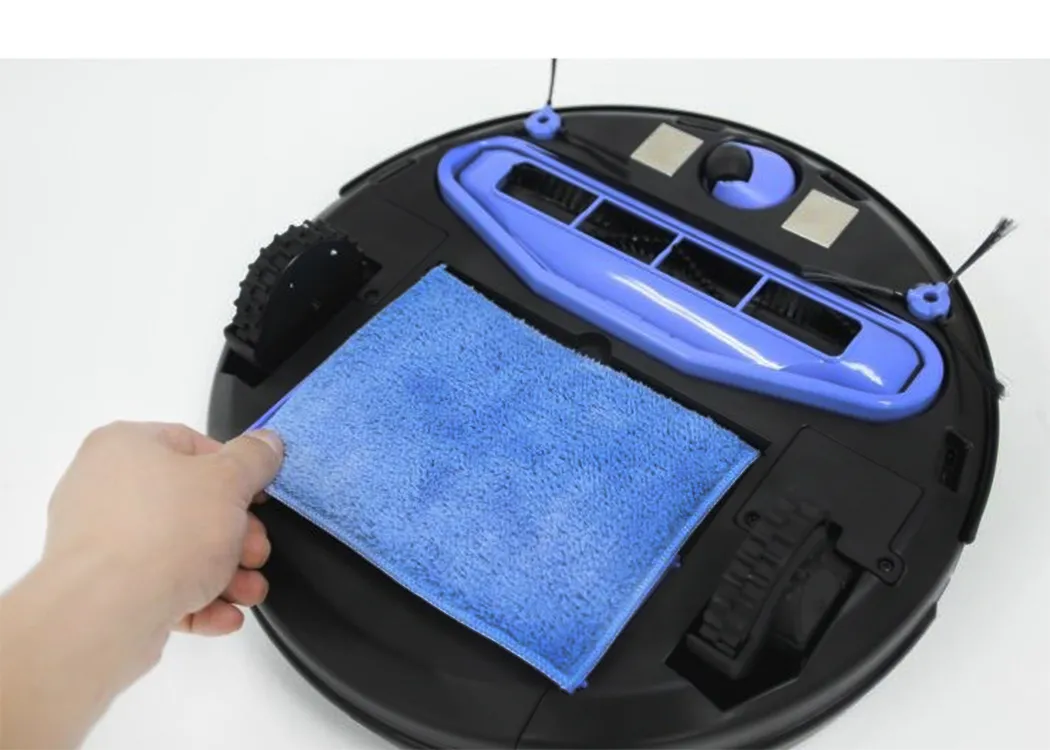
Navigation sensors get dirty. Dust on the LiDAR window, a smudged camera lens or a blocked cliff sensor causes strange behavior, such as drifting, bumping or refusing to cross a surface. A quick wipe with a dry soft cloth often cures problems that look like faults.
- Wipe the LiDAR window and the front camera lens periodically with a soft, dry cloth.
- Clean the cliff sensors on the underside, which can be fooled by dust.
- Keep the charging dock area clear so the robot can find it.
- Remove a dark mat or a cord that confuses the sensors, or mark a no-go zone in the app.
Firmware updates also change navigation behavior, so keep the app and the robot up to date, and read update notes for changes to mapping or obstacle recognition.
Multiple floors and large homes
If your home has more than one floor, check that the robot can store several maps and recognize which floor it is on. A robot that supports it can be carried to the next level and will load the right map. Large homes also benefit from a robot that can resume cleaning after recharging, returning to the place it stopped instead of starting over.
Battery size and mapping speed both matter in a big home. A LiDAR robot maps quickly, and a model with a large battery or a resume function covers more floor per charge. Those practical features are as important to a large home as the sensor type.
Structured light and 3D sensors
A third sensing method appears on many current models. A structured light or time-of-flight sensor projects a pattern or pulse of light forward and reads how it deforms or returns, building a short-range depth picture of what is in front of the robot. Unlike a LiDAR turret, it looks forward and low, which is where cables, socks and pet bowls sit.
That makes it a natural partner to a LiDAR map. The turret handles the room layout and the forward sensor handles the floor clutter. Marketing names vary, such as 3D obstacle avoidance or structured light, so read what the sensor actually does and in what range. Short range and low height are the key facts.
Software matters as much as sensors
Navigation is a combination of sensors and software. Two robots with the same LiDAR can behave differently because their path planning, obstacle logic and map handling differ. A good app lets you edit rooms, set no-go lines and see where the robot went, and regular updates fix behavior over time.
Check whether the maker supports the robot with updates, and read recent owner comments about how the app behaves. A robot with a good sensor and a clumsy app can be frustrating, and a simple robot with a polished app can be a pleasure.
- Look for room splitting, merging and naming in the app.
- Check that no-go zones and virtual walls are supported.
- See whether you can schedule by room and set suction by room.
- Confirm that the maps survive an app update and a power cycle.
Measure your furniture before you buy
A turret adds height, and the numbers differ between models. Measure the clearance under your sofa, bed and cabinets, and compare it with the robot's stated height. A robot that cannot fit under furniture leaves a dusty band the size of the furniture footprint, and it may wedge itself in a gap and need rescuing.
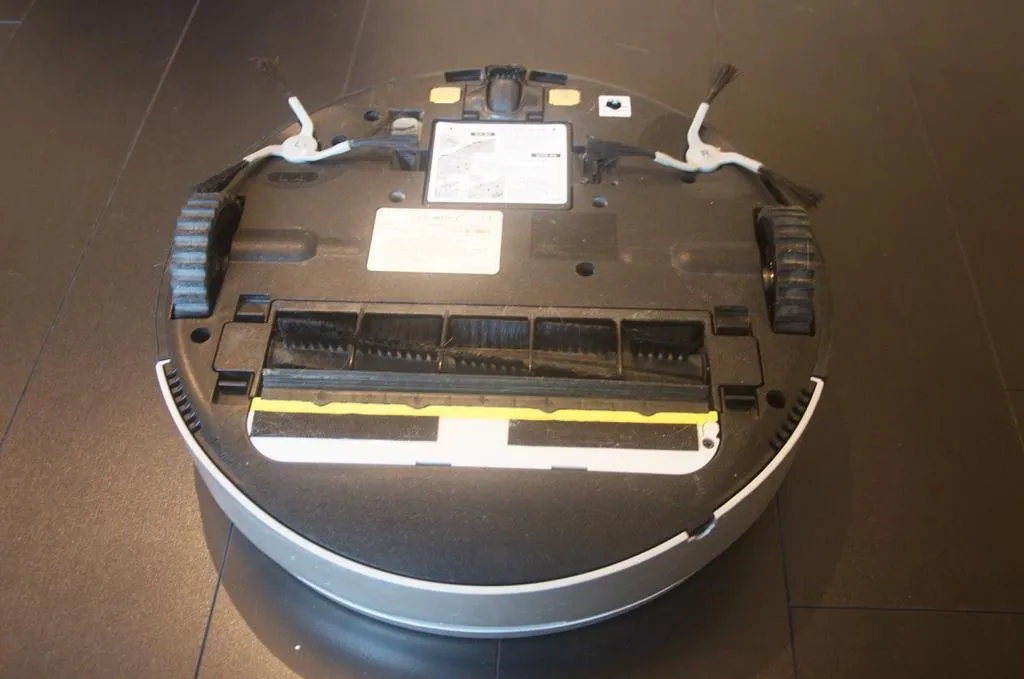
Low-profile camera robots solve this at the cost of the laser's mapping strength. Some LiDAR designs use a retractable or shorter turret. If you have a lot of low furniture, this single measurement may decide the choice for you.
The pet mess question
The most dreaded obstacle is pet waste, and some robots advertise specific avoidance. Treat these claims carefully. They depend on image recognition under varied light and object shapes, and no recognition system is perfect. If you have pets that have accidents, look for a model that explicitly claims avoidance, read owner feedback and keep the floor clear when you cannot supervise.
Whatever the robot, there is no substitute for tidying the floor before a scheduled run. Cords, socks and small toys are cheap to pick up and expensive to untangle from a brush.
Frequently Asked Questions
Is LiDAR better than a camera for a robot vacuum?
For mapping and dark rooms, LiDAR is generally more dependable. For recognizing small objects, a camera or 3D sensor does better. Many models use both.
Can a LiDAR robot see cords and socks?
Not on its own, because the laser scans at a set height. It needs an additional low-level sensor or a camera for small floor objects.
Do camera robot vacuums work in the dark?
Many struggle, or they rely on a built-in light. If you want reliable night cleaning, a laser-based robot is a safer choice.
Are robot vacuum cameras a privacy risk?
They can be, depending on where images are processed and stored. Read the manufacturer's privacy information, look for on-device processing and use the app settings to limit data.
Why is my LiDAR robot stuck under the sofa?
The turret adds height. Check the clearance in the specification, and measure the gap under your furniture before buying.
Does a better map mean better cleaning?
It means better coverage and fewer missed spots, but cleaning quality also depends on the brush, airflow, filter and maintenance.
Will a robot vacuum map work if I move furniture?
Most mapping robots adapt to modest changes and update their map as they clean. Large rearrangements may need a fresh mapping run, and some apps let you redraw rooms and zones. If the robot keeps getting confused after a rearrangement, delete the map and let it learn the new layout.
Bottom line
LiDAR gives fast, accurate mapping and works in the dark, while camera systems excel at recognizing objects but depend on light and raise privacy questions. The best answer for many homes is a laser for the map plus a camera or 3D sensor for small obstacles, with privacy settings you have actually read. Decide what you value most, measure the clearance under your furniture and pair the navigation with a robot that cleans well.