


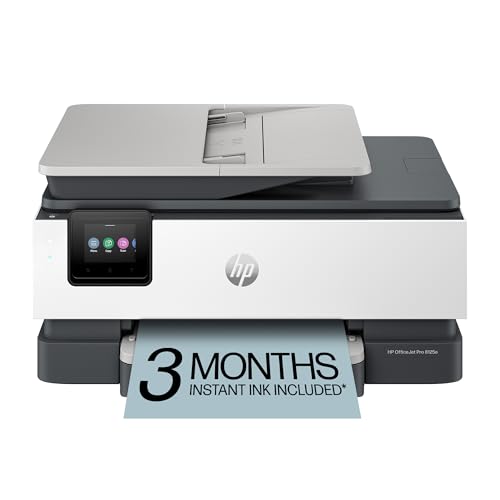

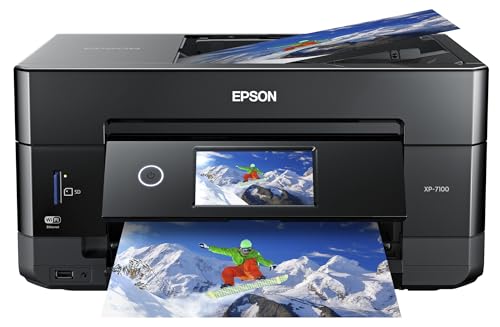
The TR8620a is a four-in-one that connects over USB or wireless, so the same printer can sit on a desk beside one computer or serve the whole household over Wi-Fi. It adds an automatic document feeder and fax, and it handles both documents and photos, which gives it more range than a plain office machine.
The tradeoff is running cost. It uses cartridges, and the per-page ink cost is higher than that of a laser or an ink tank. Against the Brother DCP-L2640DW, you gain color and photo ability and give up the idle forgiveness of dry toner.
USB is useful here as a fallback: if the router is down or a driver fights a firmware update, plugging in a cable gets the printer working at once. Keep a good short cable, print every week or two so the printhead stays clear, and note that the Alexa reorder feature is optional and can be skipped if you prefer to buy ink yourself.
What works
- USB and wireless connection options
- Auto document feeder
- Fax and photo capability
- Four-in-one body saves space
Watch out for
- Cartridge ink costs more per page
- Larger than a basic inkjet
- Needs regular use
Spec sheet
- Type
- Cartridge inkjet MFP
- Functions
- Print, copy, scan, fax
- Feeder
- Auto document feeder
- Connection
- USB and wireless
- Best use
- Home office with photos