


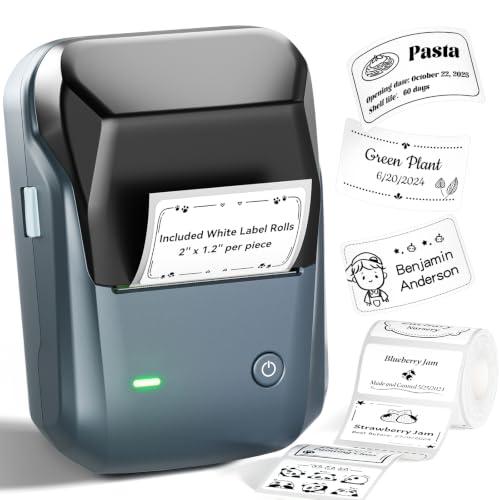
The M2 prints by thermal transfer, which melts ink from a ribbon onto the label rather than darkening heat-sensitive paper. That method resists smearing and fading better than direct thermal, which matters for a vial that is wiped with alcohol or kept cold. At 300 dpi, the print is sharper than the 203 dpi found on most pocket printers, so a small code or a few characters stay legible on a narrow label.
The tradeoff is cost and locked media. The maker says the printer works only with its own thermal transfer labels, not standard thermal rolls, so you buy both ribbon and labels from one supplier. Against the NIIMBOT D110, it is more capable and more expensive to run.
Ownership is about supplies. Keep spare ribbon and label rolls, load them carefully and clean the head with isopropyl alcohol when text blurs. Editing works from a phone app or a PC, which helps when you print many sample labels from a list. Because the ribbon is consumed as it prints, plan the label layout to use the space well, since a half-empty label still burns the same length of ribbon.
What works
- 300 dpi keeps tiny text sharp
- Thermal transfer resists smear and fade
- Starter kit includes ribbon and three rolls
- Mobile and PC editing for lists
Watch out for
- Works only with its own thermal transfer labels
- Ribbon and labels cost more per label
- More setup than a direct thermal printer
Spec sheet
- Resolution
- 300 dpi
- Print method
- Thermal transfer with ribbon
- Starter kit
- Black ribbon and 3 label rolls
- Label sizes
- 50x30 mm and others
- Editing
- Mobile app and PC